
Instructions for arranging 20 × 20 mm mosaic tiles by color before attaching them to the mesh sheet
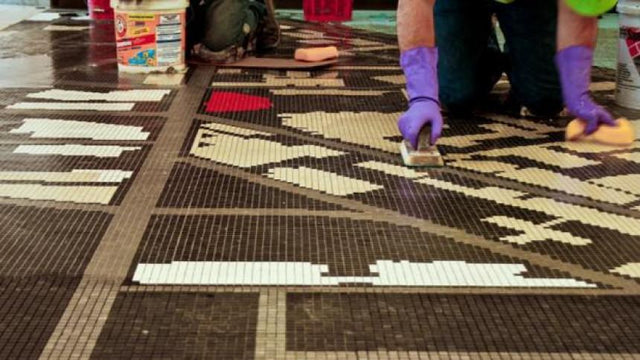
Mosaic Tile Installation Guide


The color blend consists of a series of sheets (modules) with colors that blend into one another. Each sheet has eight layers—numbered from 1 to 8—from the lightest to the darkest color.
Before placing the sheets, read the layout plan provided with the material.
The installation instructions are the same as for tiles mosaic 20x20mm before assembling them onto the mesh backing.

Before placing the sheets, read the layout plan provided with the material.
The installation instructions are the same as for tiles mosaic 20x20mm before assembling them onto the mesh backing.

Placing the modules
The concept of modules is illustrated in the designs shown alongside.
Each module consists of numbered sheets that make up the design and has an arrow on the paper face indicating the direction in which they should be laid.

Following the tile layout plan carefully is essential.
Before starting, it is recommended to do a “dry run” (see image alongside) by laying the sheets on the floor without mortar, to get an overall view of the design and make sure you have enough material.
The same installation procedures apply to mosaics of the same format and backing type. In this case too, correcting any gaps is crucial for a harmonious overall effect. Make sure the gap between two sheets is the same as the gap between two tiles.

Important: the modular design should be treated like wallpaper. Any joints between two modules should be positioned out of sight (e.g., behind or above a door) to make them as invisible as possible.
